What is the Fastest Way to Create a Mood Board for Holiday Marketing Campaigns?
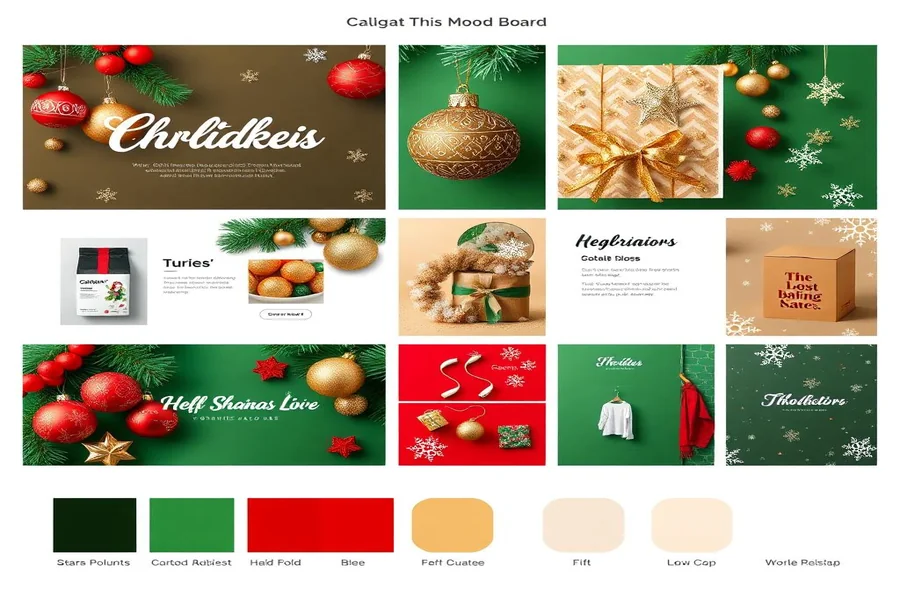
Businesses must exercise extreme caution over the Christmas season, as it can have both positive and negative consequences. Quick and effective branding can help your firm stand out as the holidays approach. A mood board is a quick and simple approach to ensure that all of your Christmas advertising appears alike. This post will explain how to create a mood board for your holiday or New Year’s sales campaign. This Christmas season, you may quickly alter your branding to maximize impact.
What is a mood board, and why is it important for your Christmas ad campaign?
You can use a mood board to visually showcase the key themes and goals of your marketing campaign. It allows you to arrange your views on colors, fonts, themes, and images so that your branding remains consistent across all platforms, including email, social media, and website banners. Creating a mood board during the busy holiday season is an excellent method to rapidly communicate your branding ideas to your team and visualize how your campaign will appear.
Here are some of the best benefits of creating a mood board:
- Making sure that all of your marketing materials look and feel the same is a crucial aspect of effective branding.
- It encourages you to come up with new ideas and techniques for doing things.
- Design requires less effort, which results in less work overall.
Takeaway: A mood board is more than a tool; it’s an essential part of your Christmas marketing strategy.
A Complete Guide to Making a Mood Board
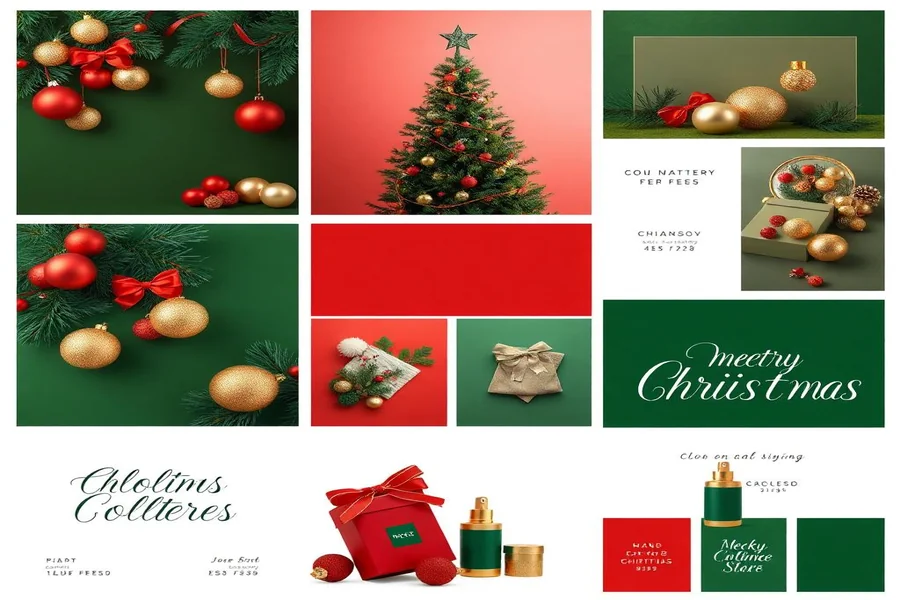
Creating a mood board does not take long. If you follow these instructions, you can create an effective graphic for your Christmas marketing in less than an hour.
Step 1: Define Your Objective
Before you begin selecting images or colors for your campaign, be sure you understand what you want to achieve. Do you want to showcase a new product line, hold a limited-time holiday sale, or simply raise awareness of your company during this time of year? If you already know what you want to do, creating a mood board may be easier.
Step 2: Gather Inspiration
- Pinterest is a fantastic resource for seasonal ideas.
- Follow your preferred businesses on Instagram to view their holiday commercials.
- You can find samples of professional design work on Behance and Dribbble.
Step 3: Select a color scheme.
Picking a color scheme is an important part of creating a mood board for a party. Here are some of the most popular colors for the holidays.
- Traditionally, people chose red and green for Christmas.
- A sophisticated New Year’s theme can use gold and silver.
- When you blend blue and white, you get a cold, wintery look.
Takeaway: Adobe Express is an excellent tool for easily creating season-appropriate color schemes. Using this method, your campaign materials will appear more organized.
Step 4: Select Fonts
How you write will impact how well your audience understands your message. Why not consider choosing:
- Playful fonts are the cool and entertaining forms of letters that younger people choose.
- Traditional typefaces provide a more classic style that is ideal for high-end brands.
Use Adobe Express to experiment with several typefaces and determine which ones look best on your holiday cards.
Step 5: Curate Imagery
When presenting a visual argument, photographs are essential. Find festive photos that complement the style of your company. Search for:
- Snowflakes, decorations, and trees are all wonderful emblems of the holidays.
- Photographs of the item: Showcase your items in a festive setting.
Choose excellent images that reflect the tone you want to set.
Step 6: Assemble Your Mood Board
It’s time to put everything together! To create a visually appealing board, use a tool such as Adobe Express. Make sure your brand’s colors, fonts, and images complement one another.
Step 7: Review and Revise
Take a step back and evaluate your mood board. Is it appropriate for the season? If you want to know what others think, ask them. Then do what needs to be done.
Takeaway: If you follow these directions, you will be able to easily create a mood board that fulfills your Christmas marketing goals.
Digital Tools to Make Creating a Mood Board Easy
Being efficient is critical during the Christmas rush. There are digital tools that make it simple to create mood boards. With Adobe Express, you can easily select colors, fonts, and pictures. It ensures high-quality results while also saving time.
Takeaway: The main concept is that these tools allow you to create professional-looking mood boards in a short amount of time.
Final Thoughts
The holidays are approaching, so you must act swiftly. A mood board may assist you in ensuring that all of your holiday-related material fits together and that your marketing strategy is on track. In approximately an hour, you can create a beautiful mood board using digital tools such as Adobe Express. This approach can help you update your branding in a way that works and makes you look appealing regardless of where you go, whether you’re looking to increase sales around the holidays or the new year.
As you prepare to shop for the holidays, keep in mind how important it is to convey tales through photos. A mood board is a map that can help you get through the holidays while also standing out in a crowded market. If you make the effort now, your brand will be stronger, and your message will be more effective during the stressful holiday season.
Takeaway: Making a beautiful mood board could have a significant impact on how you market your business during the holidays. This will strengthen your brand and get more people to talk about it.
FAQs
1. What use does a mood board serve in marketing?
A mood board focuses on the themes, ideas, and directions of your marketing campaign. It helps your employees understand the concepts while also maintaining the consistency of your brand.
2. How long does it normally take to create a mood board?
If you have the necessary resources and a plan, you can create a mood board in about an hour. This makes it easy to prepare for Christmas advertising.
3. Can you create a mood board using free tools?
Of course. These tools offer free templates for creating stunning mood boards. More expensive software, such as Adobe Express, may provide more powerful customization and design features